How to share GTA VI with family on PS5 and Xbox
Quick answer
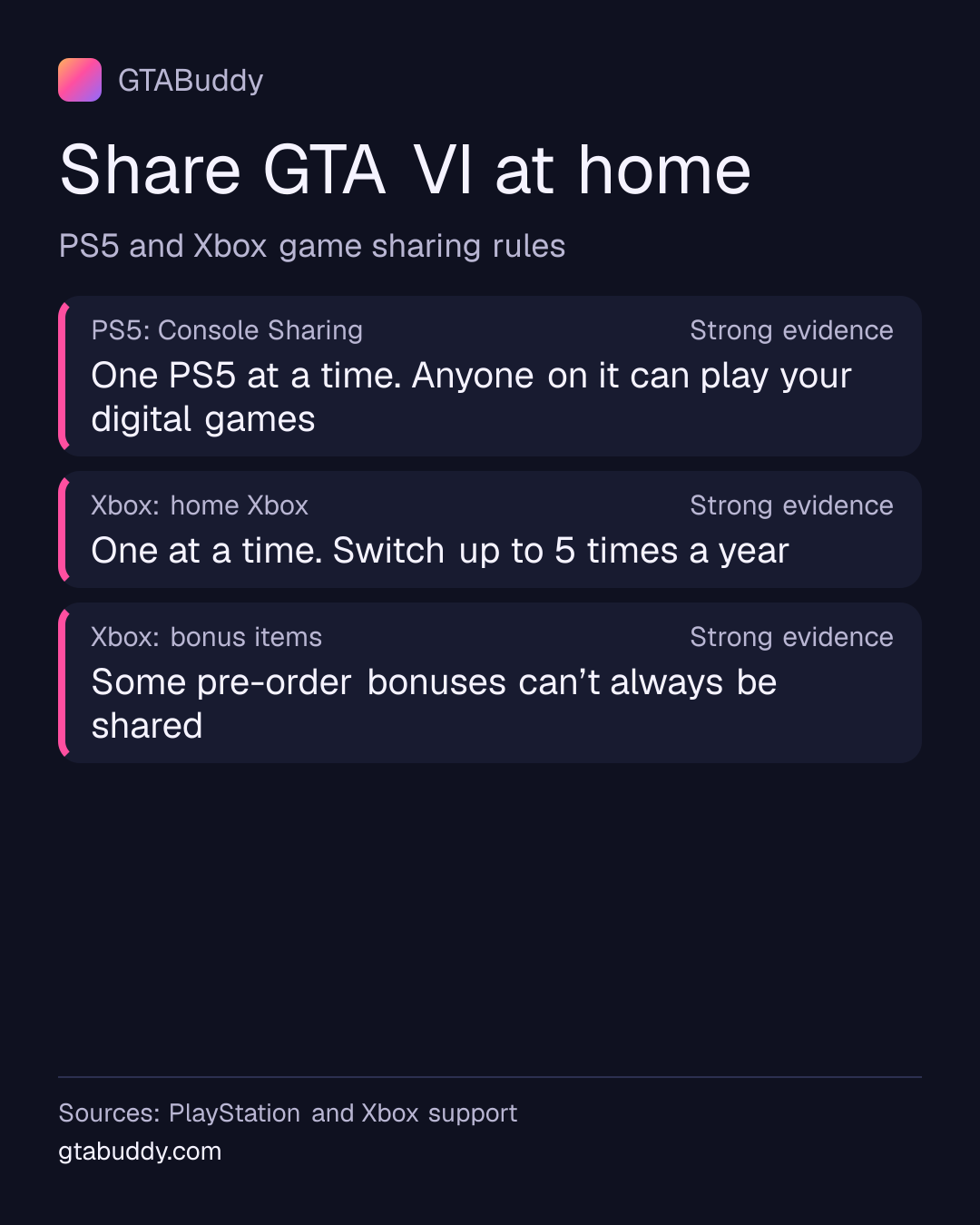
If you bought GTA VI digitally, other people who use your console can play it too. On PS5 that console needs Console Sharing and Offline Play turned on; on Xbox it needs to be your home Xbox. You can pick only one such console at a time. These are PlayStation’s and Microsoft’s general rules for digital games; their help pages don’t name individual games.
- PS5
- Console Sharing on one PS5 Status: Strong evidence
- Xbox
- One home Xbox, 5 switches a year Status: Strong evidence
- Boxed copy
- A download code, shared the same way Status: Official
On PS5: Console Sharing and Offline Play
PlayStation says that with Console Sharing and Offline Play on, anyone who uses that PS5 can play the games you bought and downloaded, even when the console is offline. It is on already for the first PS5 you signed in to.
- On the PS5 you want to share, go to Settings > Users and Accounts > Other > Console Sharing and Offline Play.
- Select Enable. If it’s on for another PS5 of yours, turn it off there first.
Sold or lost your old PS5? You can deactivate all devices from Account Management, but PlayStation allows that only once every 6 months. Full steps are in PlayStation’s console sharing help.
- What it does
- With Console Sharing and Offline Play on, anyone who uses that PS5 can play the games you bought and downloaded, even offline. It is on for the first PS5 you sign in to, and only one PS5 at a time
- Status: Strong evidence
Sources and status for What it does
Strong evidence. Credible evidence supports this, but Rockstar has not confirmed it.
Applies to: PlayStation 5
Last checked:
- PlayStation (Sony Interactive Entertainment) · Official support documentation · Supports this“Console Sharing and Offline Play is automatically allowed on the PS5® console you've used to sign in to PlayStation for the first time.” “Play your games and media even when the console is offline.” “Play games and media you've purchased and downloaded.” “You can turn on Console Sharing and Offline Play on one PS5 console at a time.”
- How to turn it on
- On the PS5 you want to share, go to Settings > Users and Accounts > Other > Console Sharing and Offline Play.; Select Enable. If it’s on for another PS5 of yours, turn it off there first.
- Status: Strong evidence
Sources and status for How to turn it on
Strong evidence. Credible evidence supports this, but Rockstar has not confirmed it.
Applies to: PlayStation 5
Last checked:
- PlayStation (Sony Interactive Entertainment) · Official support documentation · Supports this“Go to Settings > Users and Accounts > Other > Console Sharing and Offline Play.” “Select Enable or Disable.” “If you have turned on console sharing on another PS5 console, turn it off on your previous console to activate a new PS5 console.”
- Remote deactivation
- If you no longer have the old PS5, you can deactivate all devices from Account Management, but only once every 6 months
- Status: Strong evidence
Sources and status for Remote deactivation
Strong evidence. Credible evidence supports this, but Rockstar has not confirmed it.
Applies to: PlayStation 5
Last checked:
- PlayStation (Sony Interactive Entertainment) · Official support documentation · Supports this“To deactivate a console you no longer have access to, sign in to Account Management and deactivate all devices.” “Please note, you can only remotely deactivate all devices every 6 months.”
On Xbox: your home Xbox
Microsoft says your home Xbox lets friends and family play your digital games when you’re not signed in, and lets you play them offline. You can have one home Xbox at a time and switch it up to five times in any one-year period. Microsoft says customer support can’t add more switches.
- Press the Xbox button to open the guide.
- Select Profile & system > Settings > General > Personalization > My home Xbox.
- Select Make this my home Xbox.
Playing on a second Xbox? You don’t have to switch your home Xbox. Sign in on the other console and play online. See Xbox Support’s home Xbox help.
- What it does
- Your home Xbox lets friends and family play your digital games when you’re not signed in, and lets you play them offline. You can have one home Xbox at a time and switch it up to five times a year
- Status: Strong evidence
Sources and status for What it does
Strong evidence. Credible evidence supports this, but Rockstar has not confirmed it.
Applies to: Xbox Series X|S
Last checked:
- Microsoft (Xbox) · Official support documentation · Supports this“Making a console your home XBOX gives friends and family access to your games and content when you're not signed in.” “Your home XBOX also lets you play your digital games offline.” “You can only have one home XBOX at a time.” “You can switch your home XBOX up to five times in any one-year period.” “Customer support can't offer additional switches.”
- How to set it
- Press the Xbox button to open the guide.; Select Profile & system > Settings > General > Personalization > My home Xbox.; Select Make this my home Xbox.
- Status: Strong evidence
Sources and status for How to set it
Strong evidence. Credible evidence supports this, but Rockstar has not confirmed it.
Applies to: Xbox Series X|S
Last checked:
- Microsoft (Xbox) · Official support documentation · Supports this“on your controller to open the guide.” “Select Profile & system > Settings > General > Personalisation, and then select My home XBOX.” “To make this your home XBOX, select Make this my home XBOX.”
- Another Xbox
- You can also play your digital games on any Xbox by signing in there, online, without changing your home Xbox
- Status: Strong evidence
Sources and status for Another Xbox
Strong evidence. Credible evidence supports this, but Rockstar has not confirmed it.
Applies to: Xbox Series X|S
Last checked:
- Microsoft (Xbox) · Official support documentation · Supports this“You can download, play, and share your digital games on any XBOX console without having to switch your home XBOX.” “Everyone can enjoy your games if the console is online and everyone is signed in to the XBOX network.”
If you bought a box
The GTA VI box holds a download code, not a disc, so there is no disc to lend. Rockstar calls it a code for a digital download of the game, so once you redeem it, the sharing rules above should apply the same way.
- What’s in the box
- Download code in the box. No disc is included.
- Status: Official
Sources and status for What’s in the box
Official. Rockstar has confirmed this in its own published material.
Last checked:
- Rockstar Games · Official Rockstar source · Supports this“Physical versions will only contain a download code inside the box. A disc will not be included in the box.”
Pre-order bonuses
Microsoft says account-specific items can’t always be shared, for example certain pre-order bonuses and special edition content that can only be redeemed once. GTA VI’s pre-order bonus is the Vintage Vice City Pack. Neither Rockstar nor Microsoft says whether it can be shared, so we treat that as unknown.
- Microsoft’s rule
- Microsoft says account-specific items can’t always be shared, for example certain pre-order bonuses and special edition content that can only be redeemed once
- Status: Strong evidence
Sources and status for Microsoft’s rule
Strong evidence. Credible evidence supports this, but Rockstar has not confirmed it.
Applies to: Xbox Series X|S
Last checked:
- Microsoft (Xbox) · Official support documentation · Supports this“Account-specific items can't always be shared.” “Certain pre-order bonuses and special edition content that can only be redeemed once”
- GTA VI’s pre-order bonus
- Physical pre-orders include the Vintage Vice City Pack, on the same download code as the game.
- Status: Official
Sources and status for GTA VI’s pre-order bonus
Official. Rockstar has confirmed this in its own published material.
Last checked:
- Rockstar Games · Official Rockstar source · Supports this“One code for digital download of Grand Theft Auto VI and the Vintage Vice City Pack, which includes:”
What we don’t know
- Whether the Vintage Vice City Pack can be used by others on your shared console.
- Whether GTA VI has any sharing rules of its own. The console makers’ help pages don’t name single games. We will check again when the game is out on .
Related: how to pre-load GTA VI, GTA VI codes, regions and upgrades and launch-day problems and fixes.
Sources for this page
- How home XBOX and game sharing work (Microsoft (Xbox)), checked
- How to turn on PS5 Console Sharing and Offline Play (PlayStation (Sony Interactive Entertainment)), checked
- Grand Theft Auto VI Now Available (Rockstar Games, published 19 November 2026), checked
- Grand Theft Auto VI | Rockstar Store (Rockstar Games), checked
- Grand Theft Auto VI Platforms, Editions, and Versions (Rockstar Games), checked