GTA VI accessibility features on PS5 and Xbox
Quick answer
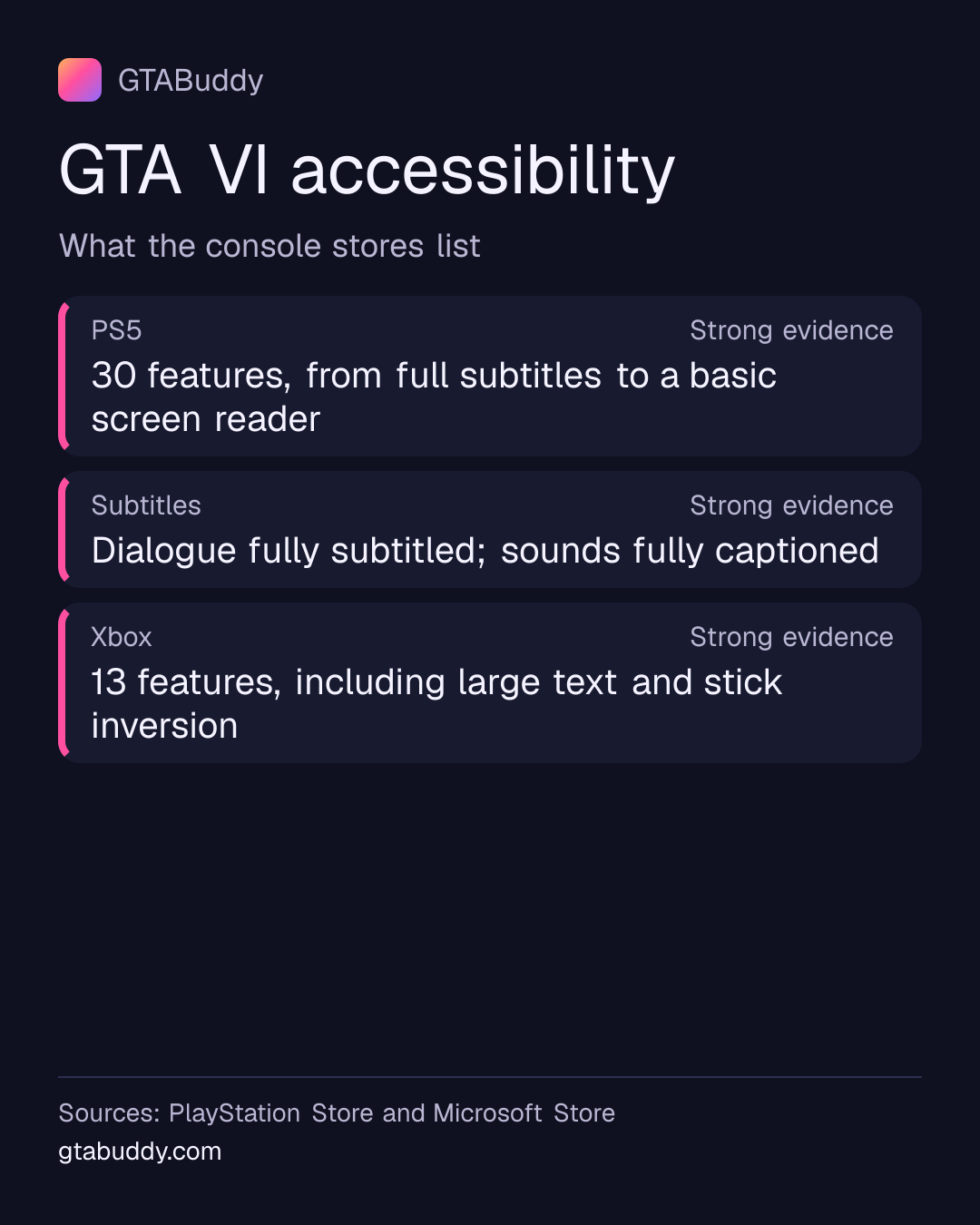
PlayStation Store lists 30 accessibility features for GTA VI on PS5. They include fully subtitled dialogue, captions for sound effects, larger and clearer text, a basic screen reader, controller remapping, adjustable difficulty and a way to slow the game down. Microsoft Store lists 13 on Xbox Series X|S. These are the stores’ own lists; we haven’t tested each option in the game yet.
- PS5
- 30 features listed Status: Strong evidence
- Xbox
- 13 features listed Status: Strong evidence
- Subtitles
- Dialogue fully subtitled (PS Store) Status: Strong evidence
The ones most people ask about
- Subtitles and captions. PlayStation Store says spoken dialogue is fully subtitled and that sounds and sound effects are fully captioned. Both come in clearer and larger versions.
- Screen reader. It is listed as Basic. PlayStation says it helps you start the game and change the settings, but other text and visual information during play may not be read out.
- Controls. Remapping is listed as Basic: an alternative preset layout, or some remapping support. You can invert each stick, and you don’t need rapid button presses, motion or touch controls, vibration or the adaptive triggers.
- Difficulty and speed. PlayStation lists adjustable difficulty with individual assists, simpler quick time events and a way to slow the game down for a short time or for certain actions.
- Pausing. PlayStation says you can pause at any time during play or cutscenes. Its description adds “offline play only”.
On PS5: all 30 features PlayStation Store lists
The descriptions are PlayStation’s own words, quoted from GTA VI’s PlayStation Store page. “Basic” and “Advanced” are PlayStation’s labels for how far a feature goes.
| Feature | What PlayStation says |
|---|---|
| Clear Text | “Menu and heads-up display (HUD) text is presented in a way that makes it easier to read.” |
| Large Text | “Menu and heads-up display (HUD) text is presented in a larger font size to make it easier to read.” |
| Colour Alternatives | “You don't need to rely on understanding colour to play the game, or important colours can be changed to make them easier to tell apart.” |
| High Contrast Visuals | “Characters, enemies, items and interactive objects are easier to see against the environment.” |
| Visual Comfort (Basic) | “You can play without camera movements and effects during gameplay that might result in visual discomfort.” |
| Audio Cue Alternatives | “Audio information is also communicated visually or through controller vibration.” |
| Feature | What PlayStation says |
|---|---|
| Volume Controls | “You can turn down and mute individual audio volumes.” |
| Mono Audio | “You can set the audio output to be the same from each speaker.” |
| 3D Audio | “You can set the audio output so that sounds can be heard from all around you.” |
| Screen Reader (Basic) | “The screen reader will help you start playing the game and adjust the settings, but additional text and visual information related to gameplay may not be communicated.” |
| Feature | What PlayStation says |
|---|---|
| Subtitles (Advanced) | “Spoken dialogue in the game is fully subtitled.” |
| Clear Subtitles | “Subtitles are presented in a way that helps make them easier to read.” |
| Large Subtitles | “Subtitles are presented using a larger font size to help make them easier to read.” |
| Captions (Advanced) | “Sounds and sound effects are fully captioned.” |
| Clear Captions | “Captions are presented in a way that makes them easier to read.” |
| Large Captions | “Captions are presented using a larger font size to help make them easier to read.” |
| Feature | What PlayStation says |
|---|---|
| Controller Remapping (Basic) | “You can change the controls to an alternative preset layout, or some remapping support is provided.” |
| Adjustable Stick Sensitivity (Basic) | “Some stick sensitivity options are provided.” |
| Adjustable Stick Inversion (Advanced) | “You can invert the horizontal and vertical movement for each analogue stick that the game uses.” |
| Playable without Rapid Button Presses | “You can play the game and navigate menus without needing to press buttons rapidly or within a time limit.” |
| Playable without Motion Controls | “You can play the game without needing to use motion controls.” |
| Playable without Touch Controls | “You can play the game without needing to use touch-based controls.” |
| Playable without Controller Vibration | “You can play the game without turning on controller vibration/haptic feedback.” |
| Playable without Adaptive Trigger Effect | “You can play the game without the adaptive resistance in the triggers turned on.” |
| Feature | What PlayStation says |
|---|---|
| Adjustable Difficulty (Advanced) | “You can customise the level of challenge or activate a range of assists individually to help you play the game.” |
| Simplified Quick Time Events | “You can reduce the level of challenge for quick time events (actions where you must match on-screen prompts within a time limit).” |
| Game Speed (Basic) | “You can slow down the game for a limited amount of time or only when performing specific actions.” |
| Control Reminders | “You can review the game controls at any time.” |
| Tutorial Reminders | “You can review gameplay tutorial information at any time.” |
| Game Pausing | “You can pause the game at any time during gameplay or cinematics (offline play only).” |
- Features listed
- PlayStation Store lists 30 accessibility features for GTA VI on PS5
- Status: Strong evidence
Sources and status for Features listed
Strong evidence. Credible evidence supports this, but Rockstar has not confirmed it.
Applies to: PlayStation 5
Last checked:
- PlayStation (Sony Interactive Entertainment) · Platform store · Supports thisPlayStation Store’s UK listing: “Accessibility features (30)”
- Visuals
- Clear Text, Large Text, Colour Alternatives, High Contrast Visuals, Visual Comfort (Basic), Audio Cue Alternatives
- Status: Strong evidence
Sources and status for Visuals
Strong evidence. Credible evidence supports this, but Rockstar has not confirmed it.
Applies to: PlayStation 5
Last checked:
- PlayStation (Sony Interactive Entertainment) · Platform store · Supports thisPlayStation Store’s UK listing, accessibility features, Visuals: “Clear Text, Large Text, Colour Alternatives, High Contrast Visuals, Visual Comfort (Basic), Audio Cue Alternatives”
- PlayStation (Sony Interactive Entertainment) · Platform store · Supports thisClear Text: “Menu and heads-up display (HUD) text is presented in a way that makes it easier to read.”
- PlayStation (Sony Interactive Entertainment) · Platform store · Supports thisLarge Text: “Menu and heads-up display (HUD) text is presented in a larger font size to make it easier to read.”
- PlayStation (Sony Interactive Entertainment) · Platform store · Supports thisColour Alternatives: “You don't need to rely on understanding colour to play the game, or important colours can be changed to make them easier to tell apart.”
- PlayStation (Sony Interactive Entertainment) · Platform store · Supports thisHigh Contrast Visuals: “Characters, enemies, items and interactive objects are easier to see against the environment.”
- PlayStation (Sony Interactive Entertainment) · Platform store · Supports thisVisual Comfort (Basic): “You can play without camera movements and effects during gameplay that might result in visual discomfort.”
- PlayStation (Sony Interactive Entertainment) · Platform store · Supports thisAudio Cue Alternatives: “Audio information is also communicated visually or through controller vibration.”
- Audio
- Volume Controls, Mono Audio, 3D Audio, Screen Reader (Basic)
- Status: Strong evidence
Sources and status for Audio
Strong evidence. Credible evidence supports this, but Rockstar has not confirmed it.
Applies to: PlayStation 5
Last checked:
- PlayStation (Sony Interactive Entertainment) · Platform store · Supports thisPlayStation Store’s UK listing, accessibility features, Audio: “Volume Controls, Mono Audio, 3D Audio, Screen Reader (Basic)”
- PlayStation (Sony Interactive Entertainment) · Platform store · Supports thisVolume Controls: “You can turn down and mute individual audio volumes.”
- PlayStation (Sony Interactive Entertainment) · Platform store · Supports thisMono Audio: “You can set the audio output to be the same from each speaker.”
- PlayStation (Sony Interactive Entertainment) · Platform store · Supports this3D Audio: “You can set the audio output so that sounds can be heard from all around you.”
- PlayStation (Sony Interactive Entertainment) · Platform store · Supports thisScreen Reader (Basic): “The screen reader will help you start playing the game and adjust the settings, but additional text and visual information related to gameplay may not be communicated.”
- Subtitles and captions
- Subtitles (Advanced), Clear Subtitles, Large Subtitles, Captions (Advanced), Clear Captions, Large Captions
- Status: Strong evidence
Sources and status for Subtitles and captions
Strong evidence. Credible evidence supports this, but Rockstar has not confirmed it.
Applies to: PlayStation 5
Last checked:
- PlayStation (Sony Interactive Entertainment) · Platform store · Supports thisPlayStation Store’s UK listing, accessibility features, Subtitles and captions: “Subtitles (Advanced), Clear Subtitles, Large Subtitles, Captions (Advanced), Clear Captions, Large Captions”
- PlayStation (Sony Interactive Entertainment) · Platform store · Supports thisSubtitles (Advanced): “Spoken dialogue in the game is fully subtitled.”
- PlayStation (Sony Interactive Entertainment) · Platform store · Supports thisClear Subtitles: “Subtitles are presented in a way that helps make them easier to read.”
- PlayStation (Sony Interactive Entertainment) · Platform store · Supports thisLarge Subtitles: “Subtitles are presented using a larger font size to help make them easier to read.”
- PlayStation (Sony Interactive Entertainment) · Platform store · Supports thisCaptions (Advanced): “Sounds and sound effects are fully captioned.”
- PlayStation (Sony Interactive Entertainment) · Platform store · Supports thisClear Captions: “Captions are presented in a way that makes them easier to read.”
- PlayStation (Sony Interactive Entertainment) · Platform store · Supports thisLarge Captions: “Captions are presented using a larger font size to help make them easier to read.”
- Controls
- Controller Remapping (Basic), Adjustable Stick Sensitivity (Basic), Adjustable Stick Inversion (Advanced), Playable without Rapid Button Presses, Playable without Motion Controls, Playable without Touch Controls, Playable without Controller Vibration, Playable without Adaptive Trigger Effect
- Status: Strong evidence
Sources and status for Controls
Strong evidence. Credible evidence supports this, but Rockstar has not confirmed it.
Applies to: PlayStation 5
Last checked:
- PlayStation (Sony Interactive Entertainment) · Platform store · Supports thisPlayStation Store’s UK listing, accessibility features, Controls: “Controller Remapping (Basic), Adjustable Stick Sensitivity (Basic), Adjustable Stick Inversion (Advanced), Playable without Rapid Button Presses, Playable without Motion Controls, Playable without Touch Controls, Playable without Controller Vibration, Playable without Adaptive Trigger Effect”
- PlayStation (Sony Interactive Entertainment) · Platform store · Supports thisController Remapping (Basic): “You can change the controls to an alternative preset layout, or some remapping support is provided.”
- PlayStation (Sony Interactive Entertainment) · Platform store · Supports thisAdjustable Stick Sensitivity (Basic): “Some stick sensitivity options are provided.”
- PlayStation (Sony Interactive Entertainment) · Platform store · Supports thisAdjustable Stick Inversion (Advanced): “You can invert the horizontal and vertical movement for each analogue stick that the game uses.”
- PlayStation (Sony Interactive Entertainment) · Platform store · Supports thisPlayable without Rapid Button Presses: “You can play the game and navigate menus without needing to press buttons rapidly or within a time limit.”
- PlayStation (Sony Interactive Entertainment) · Platform store · Supports thisPlayable without Motion Controls: “You can play the game without needing to use motion controls.”
- PlayStation (Sony Interactive Entertainment) · Platform store · Supports thisPlayable without Touch Controls: “You can play the game without needing to use touch-based controls.”
- PlayStation (Sony Interactive Entertainment) · Platform store · Supports thisPlayable without Controller Vibration: “You can play the game without turning on controller vibration/haptic feedback.”
- PlayStation (Sony Interactive Entertainment) · Platform store · Supports thisPlayable without Adaptive Trigger Effect: “You can play the game without the adaptive resistance in the triggers turned on.”
- Gameplay
- Adjustable Difficulty (Advanced), Simplified Quick Time Events, Game Speed (Basic), Control Reminders, Tutorial Reminders, Game Pausing
- Status: Strong evidence
Sources and status for Gameplay
Strong evidence. Credible evidence supports this, but Rockstar has not confirmed it.
Applies to: PlayStation 5
Last checked:
- PlayStation (Sony Interactive Entertainment) · Platform store · Supports thisPlayStation Store’s UK listing, accessibility features, Gameplay: “Adjustable Difficulty (Advanced), Simplified Quick Time Events, Game Speed (Basic), Control Reminders, Tutorial Reminders, Game Pausing”
- PlayStation (Sony Interactive Entertainment) · Platform store · Supports thisAdjustable Difficulty (Advanced): “You can customise the level of challenge or activate a range of assists individually to help you play the game.”
- PlayStation (Sony Interactive Entertainment) · Platform store · Supports thisSimplified Quick Time Events: “You can reduce the level of challenge for quick time events (actions where you must match on-screen prompts within a time limit).”
- PlayStation (Sony Interactive Entertainment) · Platform store · Supports thisGame Speed (Basic): “You can slow down the game for a limited amount of time or only when performing specific actions.”
- PlayStation (Sony Interactive Entertainment) · Platform store · Supports thisControl Reminders: “You can review the game controls at any time.”
- PlayStation (Sony Interactive Entertainment) · Platform store · Supports thisTutorial Reminders: “You can review gameplay tutorial information at any time.”
- PlayStation (Sony Interactive Entertainment) · Platform store · Supports thisGame Pausing: “You can pause the game at any time during gameplay or cinematics (offline play only).”
On Xbox Series X|S: the 13 features Microsoft Store lists
Microsoft Store groups them like this on GTA VI’s Microsoft Store page:
- Audio: Multiple volume controls, Surround sound, Mono sound, Stereo sound
- Gameplay: Accessibility on launch, Difficulty levels, Pausable
- Input: Playable without rapid button presses, Playable without motion controls, Playable without touch controls, Stick inversion
- Visual: Large text, Colour alternatives
- Features listed
- Microsoft Store lists 13 accessibility features for GTA VI on Xbox: Audio: Multiple volume controls, Surround sound, Mono sound, Stereo sound; Gameplay: Accessibility on launch, Difficulty levels, Pausable; Input: Playable without rapid button presses, Playable without motion controls, Playable without touch controls, Stick inversion; Visual: Large text, Colour alternatives
- Status: Strong evidence
Sources and status for Features listed
Strong evidence. Credible evidence supports this, but Rockstar has not confirmed it.
Applies to: Xbox Series X|S
Last checked:
- Microsoft (Xbox) · Platform store · Supports thisMicrosoft Store’s UK listing: “13 Accessibility features”
- Microsoft (Xbox) · Platform store · Supports thisMicrosoft Store’s UK listing data: “"accessibilityCapabilities":{"audio":["Multiple volume controls","Surround sound","Mono sound","Stereo sound"],"gameplay":["Accessibility on launch","Difficulty levels","Pausable"],"input":["Playable without rapid button presses","Playable without motion controls","Playable without touch controls","Stick inversion"],"publisherInformationUri":null,"visual":["Large text","Colour alternatives"]}”
Why the two lists are different
Each store uses its own set of labels, and the lists don’t match one to one. For example, Microsoft Store’s list has no subtitle entry, while PlayStation Store’s has six. Neither store says whether a feature missing from its list is missing from the game on that console, so we don’t assume it is. We will check in the game and update this page.
What we don’t know yet
- The exact names and options in GTA VI’s own settings menu. Rockstar hasn’t published them on the pages we can read.
- Whether the Xbox version has the same options as the PS5 list.
- Which subtitle languages are offered. For the game’s languages, see GTA VI features.
Related: play GTA VI on your phone or PC with Remote Play and launch-day problems and fixes.
Sources for this page
- Grand Theft Auto VI | Microsoft Store on Xbox.com (United Kingdom) (Microsoft (Xbox)), checked
- Grand Theft Auto VI | PlayStation Store (United Kingdom) (PlayStation (Sony Interactive Entertainment)), checked