How to play GTA VI on your phone or PC with Remote Play
Quick answer
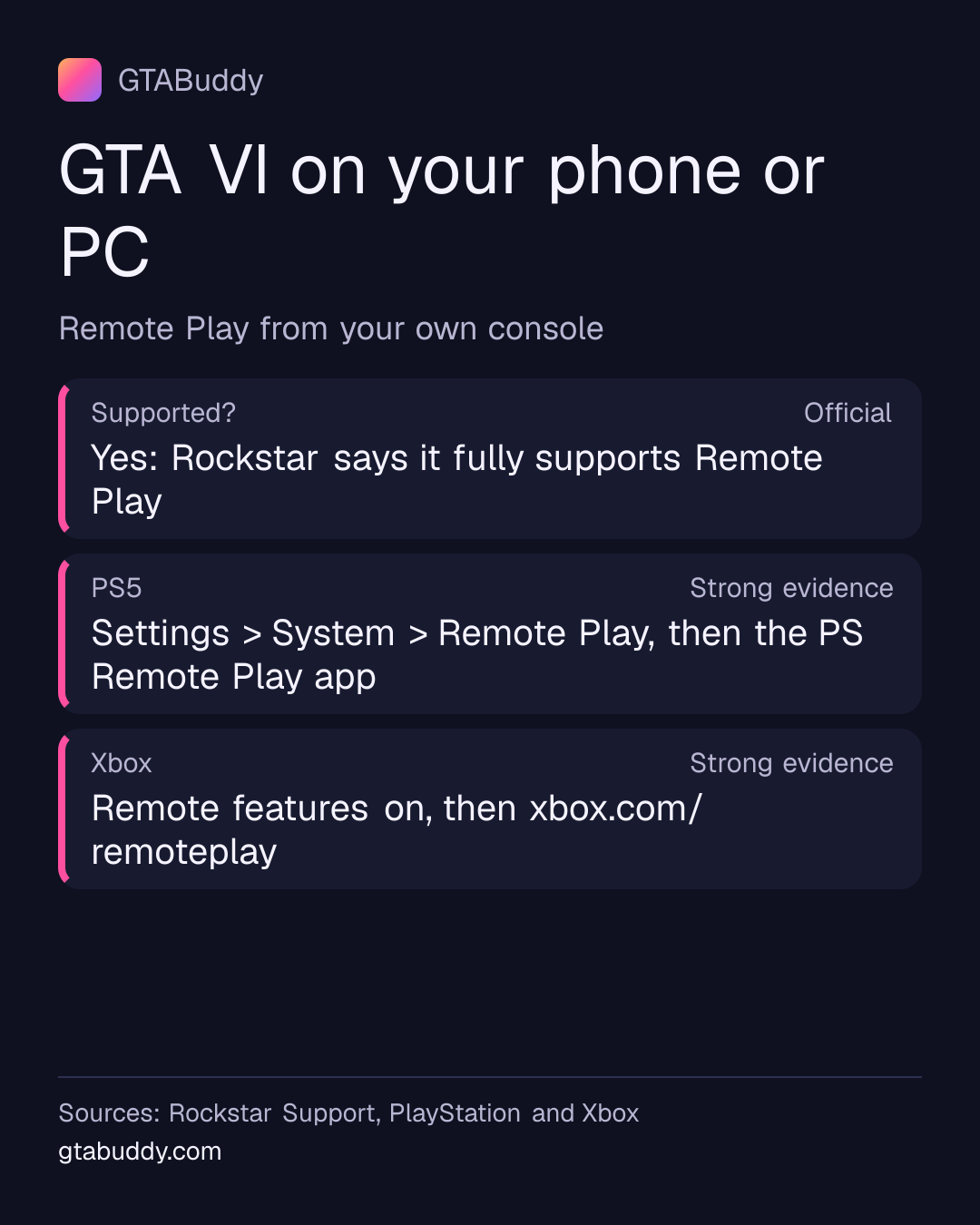
Yes, you can. Rockstar says GTA VI fully supports Remote Play on PlayStation and Xbox consoles. Remote Play streams the game from your own console, where it is installed, to a phone, tablet or PC. Turn it on once on the console, install the app, and keep the console on or in rest mode.
- Supported?
- Yes, says Rockstar Status: Official
- PS5
- PS Remote Play app Status: Strong evidence
- Xbox
- xbox.com/remoteplay Status: Strong evidence
Remote Play or cloud gaming?
They’re different. Remote Play streams from your own console, so the game must be installed on it and the console has to be on or in rest mode. Xbox Cloud Gaming streams from Microsoft’s servers instead; see how to play GTA VI with Xbox Cloud Gaming. Rockstar says your connection can affect how well a stream plays, in ways that don’t affect playing on the console.
- GTA VI and Remote Play
- Rockstar says GTA VI fully supports Remote Play on PlayStation and Xbox consoles, and that your connection can affect how well it plays
- Status: Official
Sources and status for GTA VI and Remote Play
Official. Rockstar has confirmed this in its own published material.
Last checked:
- Rockstar Games · Official Rockstar source · Supports this“GTAVI will also fully support Remote Play on PlayStation and XBOX consoles.”
- Rockstar Games · Official Rockstar source · Supports this“Connection speeds and other technical factors may influence game performance in ways that would not impact local gameplay.”
From a PS5
- On your PS5, go to Settings > System > Remote Play and turn on Enable Remote Play. You only do this once.
- To start Remote Play while the PS5 is in rest mode, go to Settings > System > Power Saving > Features Available in Rest Mode and turn on Stay Connected to the Internet and Enable Turning on PS5 from Network.
- On a phone or tablet, install PS Remote Play from Google Play or the App Store.
- On a Windows PC or a Mac, install the PS Remote Play app instead.
Then open the app and follow its steps. Full guides: PS Remote Play on phones and tablets and on PC and Mac.
- Set up Remote Play
- 4 steps, as listed above
- Status: Strong evidence
Sources and status for Set up Remote Play
Strong evidence. Credible evidence supports this, but Rockstar has not confirmed it.
Applies to: PlayStation 5
Last checked:
- PlayStation (Sony Interactive Entertainment) · Official support documentation · Supports this“From the home screen, select Settings > System > Remote Play, and then turn on Enable Remote Play.”
- PlayStation (Sony Interactive Entertainment) · Official support documentation · Supports this“Then turn on Stay Connected to the Internet and Enable Turning on PS5 from Network.”
- PlayStation (Sony Interactive Entertainment) · Official support documentation · Supports this“From Google Play™ or the App Store, download and install PS Remote Play on your mobile device.”
- PlayStation (Sony Interactive Entertainment) · Official support documentation · Supports this“To start Remote Play while your PS5 console is in rest mode, select Settings > System > Power Saving > Features Available in Rest Mode.”
- PlayStation (Sony Interactive Entertainment) · Official support documentation · Supports this“you can control your PlayStation®5 console or PlayStation®4 console from a PC (Windows) or Mac (macOS) connected to a high-speed network.”
From an Xbox Series X|S
Microsoft lists what you need:
- An Xbox Series X|S or Xbox One with remote features turned on.
- A phone, tablet or PC: Android 6.0 or later, iOS 15.1 or later, or Windows 10 or 11 (version 22H2 or later).
- 5 GHz Wi-Fi or mobile data, with at least 10 Mbps download.
- Then go to xbox.com/remoteplay and pick the game.
More on Microsoft’s Remote Play page, which also links to its setup and troubleshooting help.
- What you need
- 4 points, as listed above
- Status: Strong evidence
Sources and status for What you need
Strong evidence. Credible evidence supports this, but Rockstar has not confirmed it.
Applies to: Xbox Series X|S
Last checked:
- Microsoft (Xbox) · Official support documentation · Supports this“XBOX console with remote features enabled”
- Microsoft (Xbox) · Official support documentation · Supports this“Android with 6.0+, iOS 15.1+ and Windows 10/11 (v. 22H2+)*”
- Microsoft (Xbox) · Official support documentation · Supports this“5Ghz Wi-Fi or mobile data connection 10Mbps down”
- Microsoft (Xbox) · Official support documentation · Supports this“navigate to xbox.com/remoteplay to start playing the games you want.”
What we don’t know
- How well GTA VI plays over Remote Play on a given connection. Rockstar only says connection speed can affect it.
- Whether GTA VI supports touch controls on phones. Neither Rockstar nor the console makers say so for this game.
Related: GTA VI features and launch-day problems and fixes.
Sources for this page
- XBOX Remote Play (Microsoft (Xbox)), checked
- How to use PS Remote Play on mobile devices (PlayStation (Sony Interactive Entertainment)), checked
- PS Remote Play on PC and Mac (PlayStation (Sony Interactive Entertainment)), checked
- Grand Theft Auto VI Platforms, Editions, and Versions (Rockstar Games), checked