GTA VI code not working or already used? Fixes for PS5 and Xbox
Quick answer
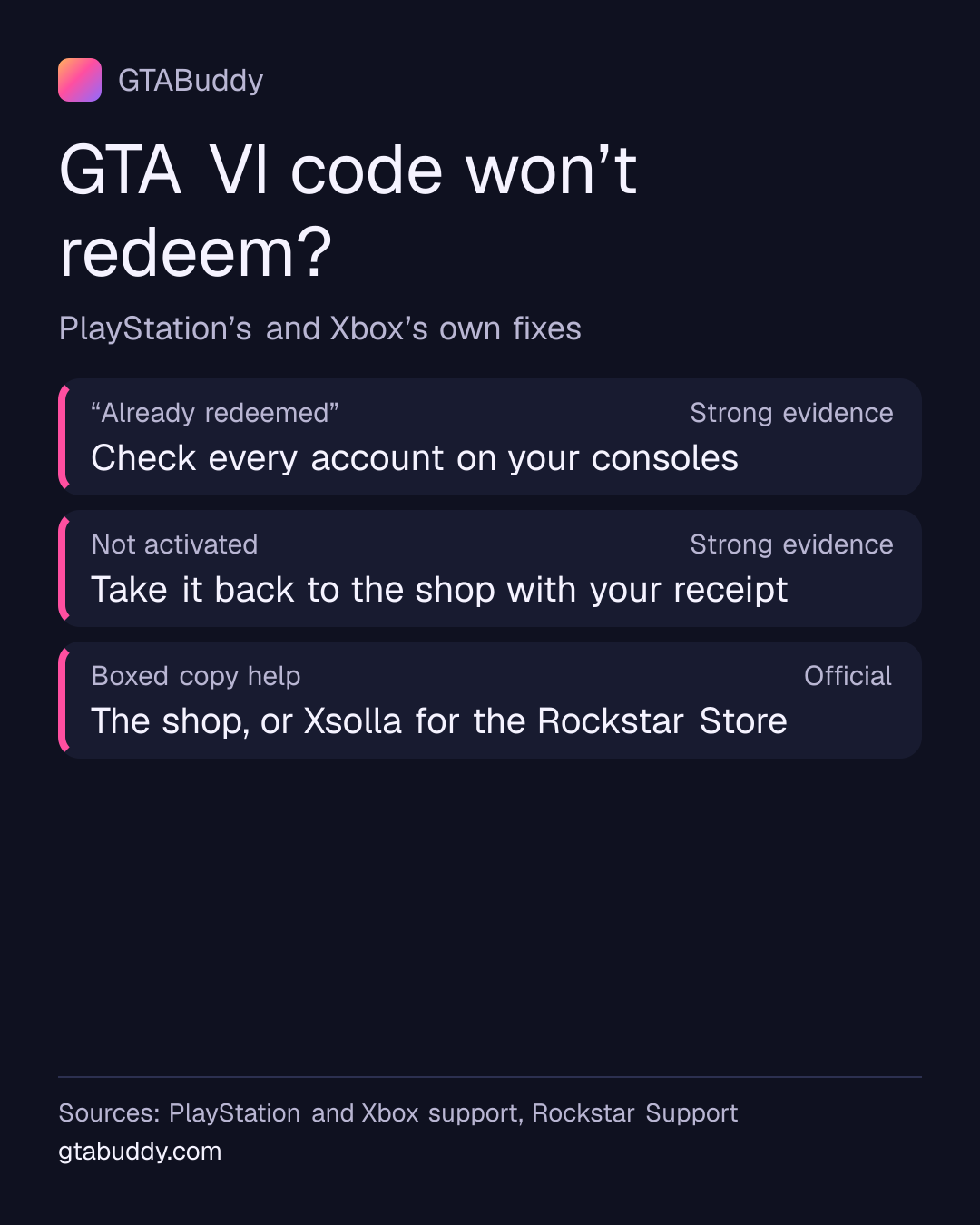
First check the code itself and the region. If it says the code is already used, check every account on your consoles: once redeemed, the game can’t be moved to another account. If you’re sure you never redeemed it, or the code is damaged or not activated, contact the shop or PlayStation or Xbox Support with your proof of purchase.
- Already used?
- Check every account first Status: Strong evidence
- Not activated?
- Go back to the shop Status: Strong evidence
- Keep ready
- Proof of purchase, photos of the code Status: Strong evidence
On PS5
Check the code and your account
- Check that you typed the code correctly. PlayStation Store codes have 12 digits.
- A 12-digit code is a PlayStation Store voucher; a 10-digit code is only a discount code.
- Check the PlayStation status page. If there’s no outage, sign out of PlayStation and back in.
The code must also match your account’s region: PlayStation codes show a printed flag for their country or region. See which GTA VI codes work with your account.
“Already redeemed”
- Check the order history of every account on your PS5 consoles, and whether the game is already in your library.
- Content can’t be moved between accounts. If you’re sure the code wasn’t redeemed on any of your accounts, contact PlayStation Support with the purchase date and the shop.
- Have your proof of purchase and photos of both sides of the code ready.
Damaged or not activated
- If the code is printed on a receipt and is damaged, ask the shop to recover it.
- Any other damaged code: contact PlayStation Support with the purchase date and the shop.
- If the code says it has no value until activated, the shop must activate it: check with them.
Full steps and the contact link are on PlayStation’s voucher troubleshooting page.
- Check the code
- 3 steps, as listed above
- Status: Strong evidence
Sources and status for Check the code
Strong evidence. Credible evidence supports this, but Rockstar has not confirmed it.
Applies to: PlayStation 5
Last checked:
- PlayStation (Sony Interactive Entertainment) · Official support documentation · Supports this“Check that you entered the voucher code correctly.”
- PlayStation (Sony Interactive Entertainment) · Official support documentation · Supports this“Every PlayStation Store voucher code contains 12 digits. Any code with 10 digits is a discount code and can only be redeemed when making a purchase.”
- PlayStation (Sony Interactive Entertainment) · Official support documentation · Supports this“If there are no network problems but you're still having issues, please sign out of PlayStation and then sign back in to refresh your account.”
- Already redeemed
- 3 steps, as listed above
- Status: Strong evidence
Sources and status for Already redeemed
Strong evidence. Credible evidence supports this, but Rockstar has not confirmed it.
Applies to: PlayStation 5
Last checked:
- PlayStation (Sony Interactive Entertainment) · Official support documentation · Supports this“Please check the order history of each account associated with your PlayStation consoles. You may also need to check whether the content is already in your Library”
- PlayStation (Sony Interactive Entertainment) · Official support documentation · Supports this“If you’re sure that you haven't redeemed the voucher, please contact us, describing the date of purchase and the retailer.”
- PlayStation (Sony Interactive Entertainment) · Official support documentation · Supports this“You’ll be asked to provide proof of purchase and pictures of both sides of the voucher.”
- Damaged or not activated
- 3 steps, as listed above
- Status: Strong evidence
Sources and status for Damaged or not activated
Strong evidence. Credible evidence supports this, but Rockstar has not confirmed it.
Applies to: PlayStation 5
Last checked:
- PlayStation (Sony Interactive Entertainment) · Official support documentation · Supports this“If your voucher code is printed on a receipt, please contact the retailer to recover the code.”
- PlayStation (Sony Interactive Entertainment) · Official support documentation · Supports this“For all other types of damaged voucher, please contact us, describing the date of purchase and the retailer.”
- PlayStation (Sony Interactive Entertainment) · Official support documentation · Supports this“If this type of voucher isn’t working, please check with the retailer that it was correctly activated.”
- Region
- The code must be for the same region as your PlayStation account. Physical vouchers show a printed flag for their country or region.
- Status: Strong evidence
Sources and status for Region
Strong evidence. Credible evidence supports this, but Rockstar has not confirmed it.
Applies to: PlayStation 5
Last checked:
- PlayStation (Sony Interactive Entertainment) · Official support documentation · Supports this“The voucher code needs to be for the same region as your account. For physical vouchers, look for a printed flag indicating the country or region.”
On Xbox Series X|S
“Already redeemed”
- Check you didn’t redeem it yourself on a different Microsoft account.
- If others in your home can see your codes, check that none of them redeemed it.
- Once a code is redeemed to an account, Microsoft can’t move the content to another account.
Code doesn’t work at all
- Codes must be activated when sold. If it still doesn’t work 24 hours after you bought it, take it back to the shop with your proof of purchase.
- Check the Xbox status page for outages before you try again.
Microsoft’s page also covers region errors and damaged codes: Xbox Support: my digital code doesn’t work.
- Already redeemed
- 3 steps, as listed above
- Status: Strong evidence
Sources and status for Already redeemed
Strong evidence. Credible evidence supports this, but Rockstar has not confirmed it.
Applies to: Xbox Series X|S
Last checked:
- Microsoft (Xbox) · Official support documentation · Supports this“make sure that you didn't already redeem the code yourself, under a different Microsoft account.”
- Microsoft (Xbox) · Official support documentation · Supports this“If you live in a household where others have access to your codes, check that it wasn't redeemed by someone else.”
- Microsoft (Xbox) · Official support documentation · Supports this“After a code has been redeemed to a Microsoft account, the content can't be transferred to the correct account.”
- Code doesn’t work
- 2 steps, as listed above
- Status: Strong evidence
Sources and status for Code doesn’t work
Strong evidence. Credible evidence supports this, but Rockstar has not confirmed it.
Applies to: Xbox Series X|S
Last checked:
- Microsoft (Xbox) · Official support documentation · Supports this“If the code doesn't work 24 hours after purchase, take the card back to the retailer along with your proof of purchase and ask them to activate it.”
- Microsoft (Xbox) · Official support documentation · Supports this“Check the XBOX status page.”
Who to contact about a boxed copy
Rockstar says a boxed copy bought from the Rockstar Store is handled by Xsolla, and a copy from any other shop by that shop. Keep your receipt and the code card: PlayStation may ask for proof of purchase and photos of both sides of the code.
- Where to get help
- PlayStation Store or Microsoft Store purchase: PlayStation Support or Xbox Support; Physical copy from the Rockstar Store: Xsolla support, which also handles cancellations; Any other retailer: the retailer you bought from, for purchase, refund and delivery questions
- Status: Official
Sources and status for Where to get help
Official. Rockstar has confirmed this in its own published material.
Last checked:
- Rockstar Games · Official Rockstar source · Supports this“Where can I get support for my Grand Theft Auto VI pre-order purchases from the PlayStation or Xbox storefronts?” (answer: PlayStation Support and Xbox Support)
- Rockstar Games · Official Rockstar source · Supports this“For issues with physical version purchases completed on the Rockstar Store, contact Xsolla support at the link below:”
- Rockstar Games · Official Rockstar source · Supports this“If you pre-ordered a physical copy of Grand Theft Auto VI from the Rockstar Store, you can cancel your purchase by following the steps in the link below:”
- Rockstar Games · Official Rockstar source · Supports this“Any purchase, refund, and delivery questions regarding Grand Theft Auto VI purchases not from the Rockstar Store should be directed to the retailer where you purchased Grand Theft Auto VI.”
What we don’t know
- How many boxed GTA VI codes have problems. Neither Rockstar, PlayStation nor Microsoft has published a figure.
- Whether Rockstar will add advice for GTA VI code problems. If it does, we will add it here.
Related: launch-day problems and fixes and cancel a pre-order and get a refund.
Sources for this page
- How to redeem a PlayStation Store voucher code (PlayStation (Sony Interactive Entertainment)), checked
- Problems using digital content voucher codes on PlayStation Store (PlayStation (Sony Interactive Entertainment)), checked
- Grand Theft Auto VI Pre-Order Purchase Support FAQ (Rockstar Games), checked
- My digital code or gift card doesn’t work | Xbox Support (Microsoft (Xbox)), checked